
How do I connect my iPad to my home WiFi network?
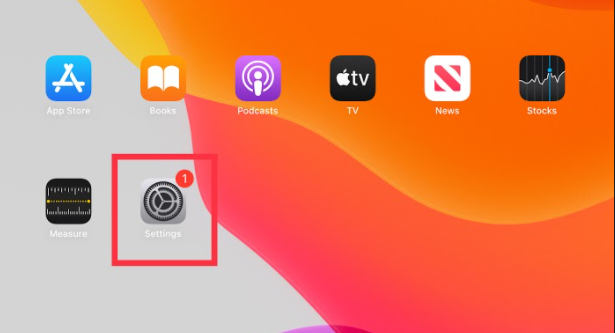
- From iPad home screen, click settings.
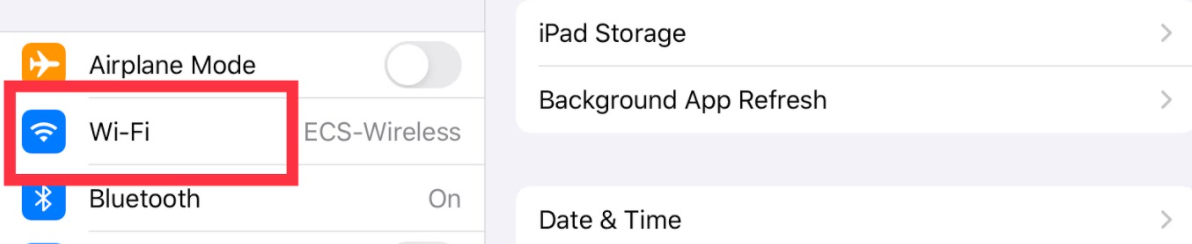
- Select WiFi.
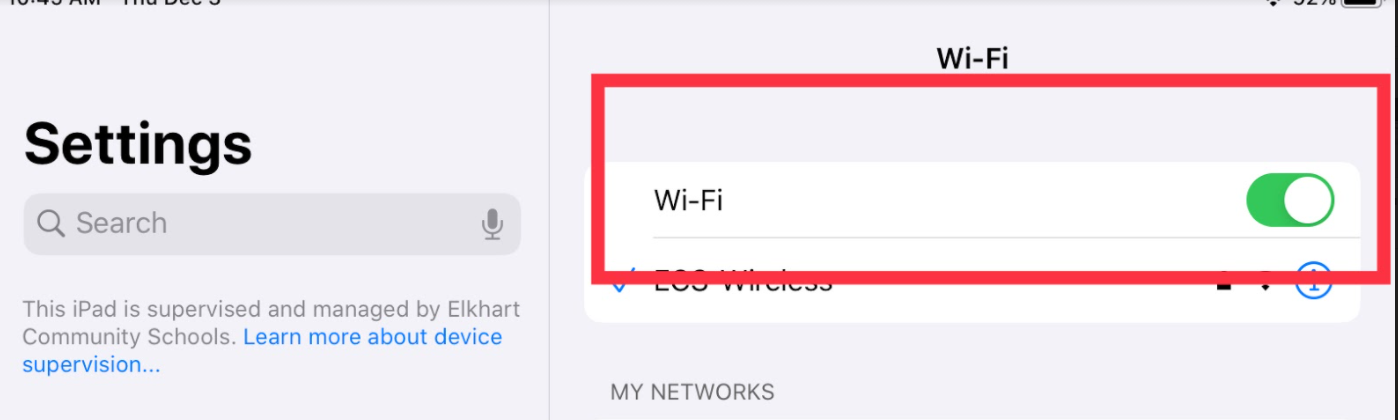
- Make sure WiFi toggle is enabled (will be green).
- Select your home wifi network.
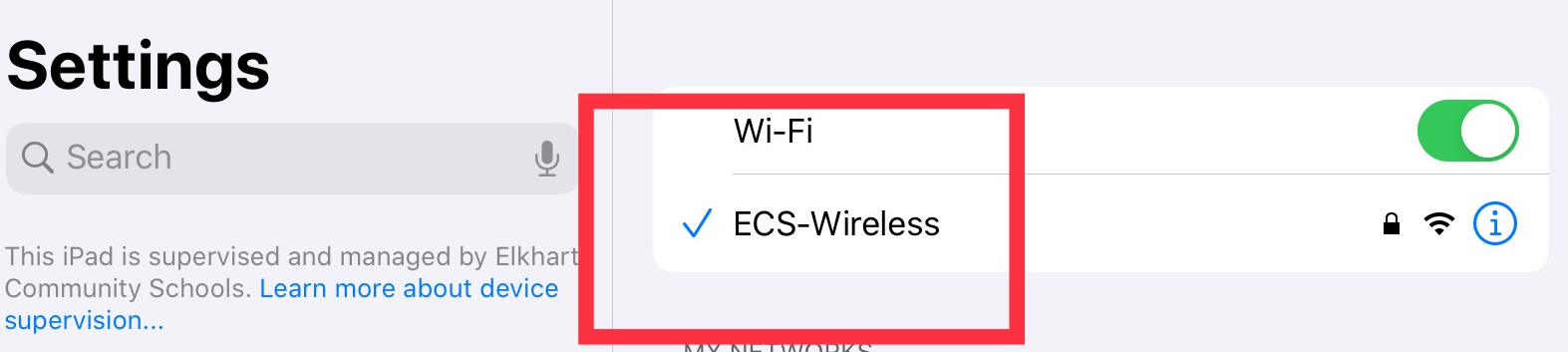
- Enter your WiFi password (if you don't know your password ask your parents and/or contact your service provider).
- Click join.
Comments
0 comments
Please sign in to leave a comment.